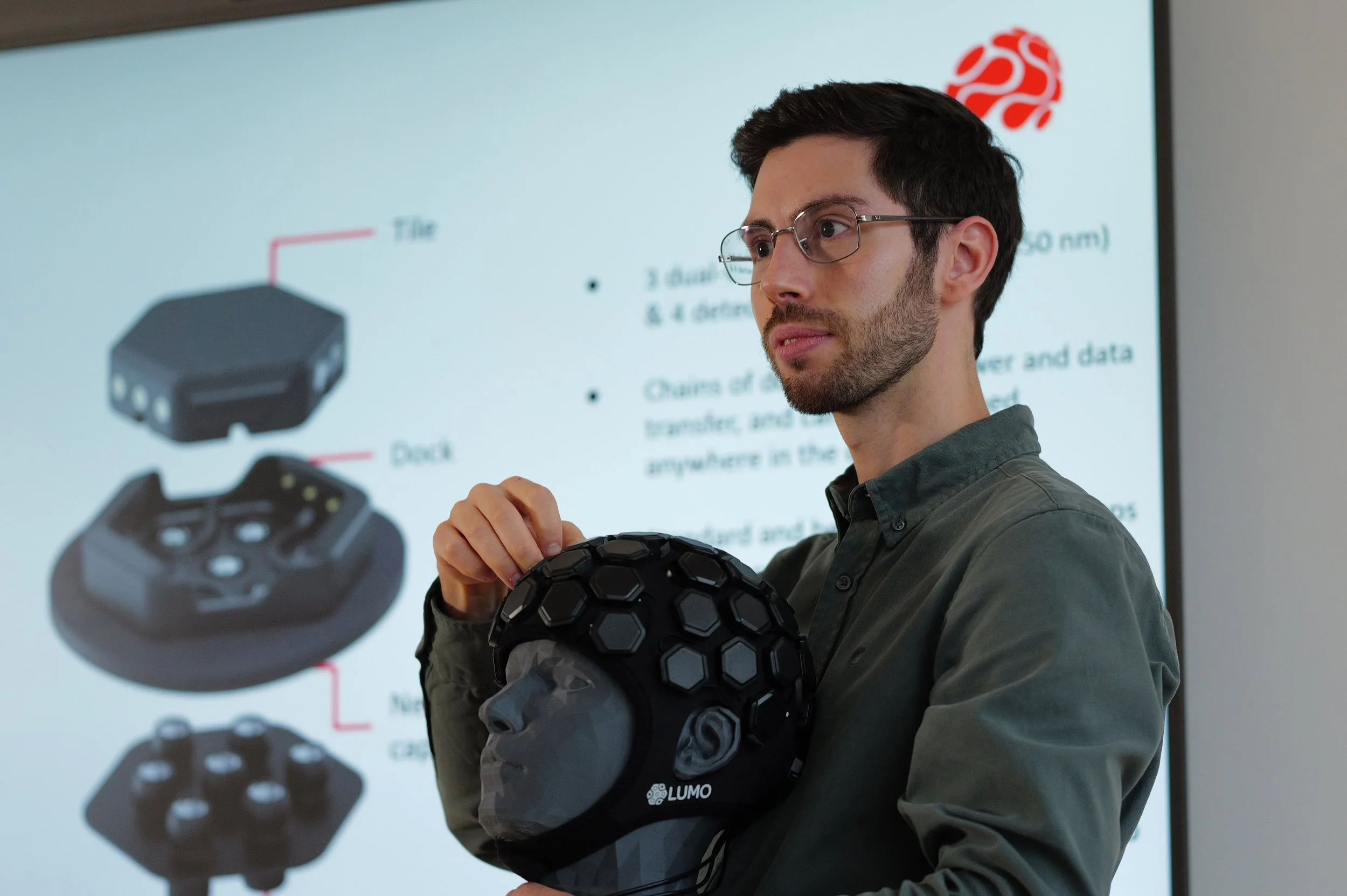
LUMO: Software for Data Acquisition and Analysis
Explore the LUMO data pipeline below.
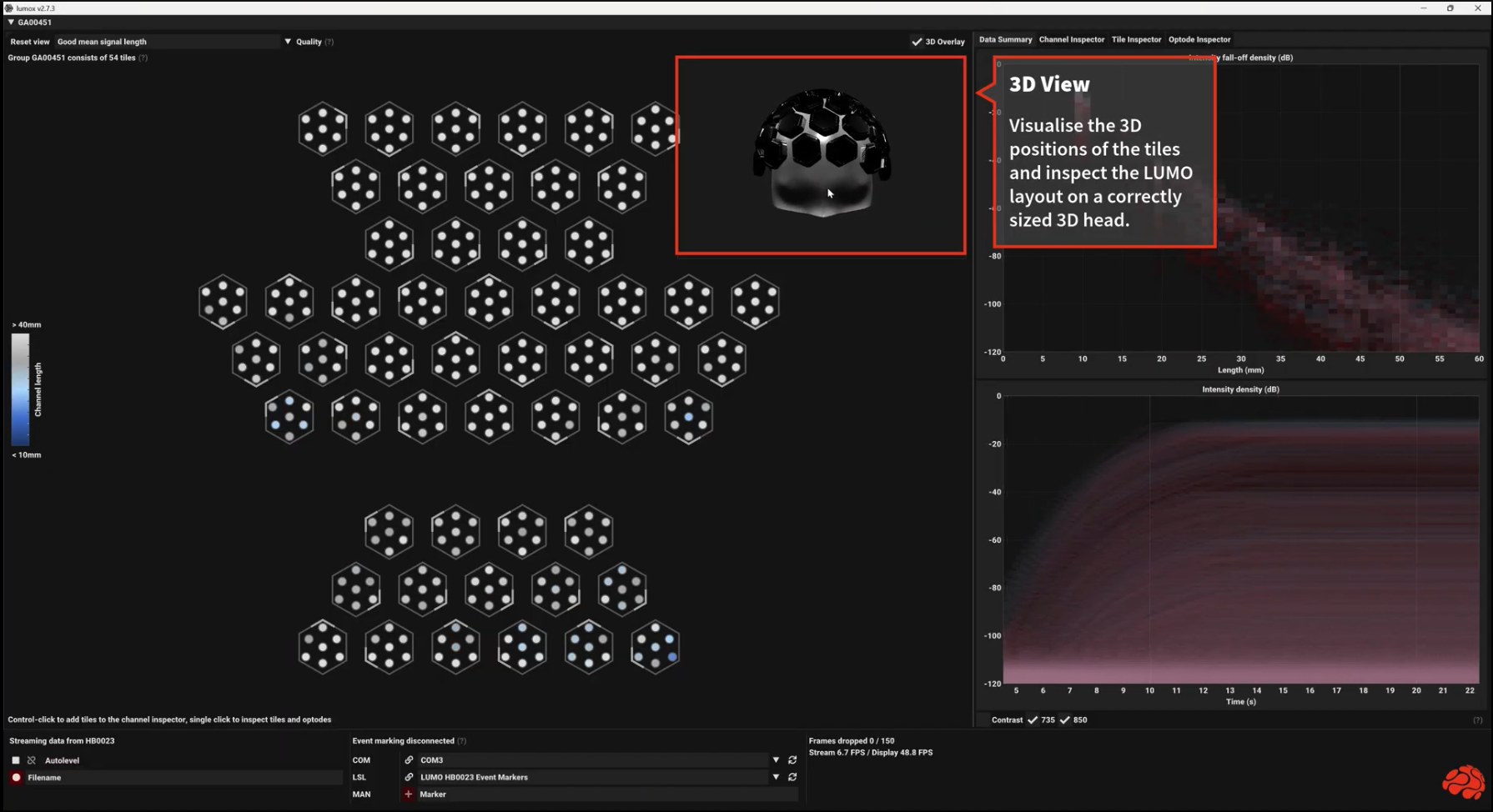
Lumox: Data Acquisition Software
Streamlined acquisition for high-density data
Lumox provides an intuitive user interface for
Navigating a LUMO cap layout using 2D and 3D views
Visualising the raw light intensity data measured by thousands of overlapping and multi-distance fNIRS channels
Assessing data quality metrics with a comprehensive range of tools that allow you to make any necessary adjustments to ensure you can record an optimal dataset
Visualising the accelerometer, gyroscope, and tissue oxygen saturation data, all of which are available for each tile
Sending and receiving event markers via a COM port or Lab Streaming Layer to enable single-subject, hyperscanning, and multimodal experiments.
Watch our demonstration video below to learn more about lumox’s key features.
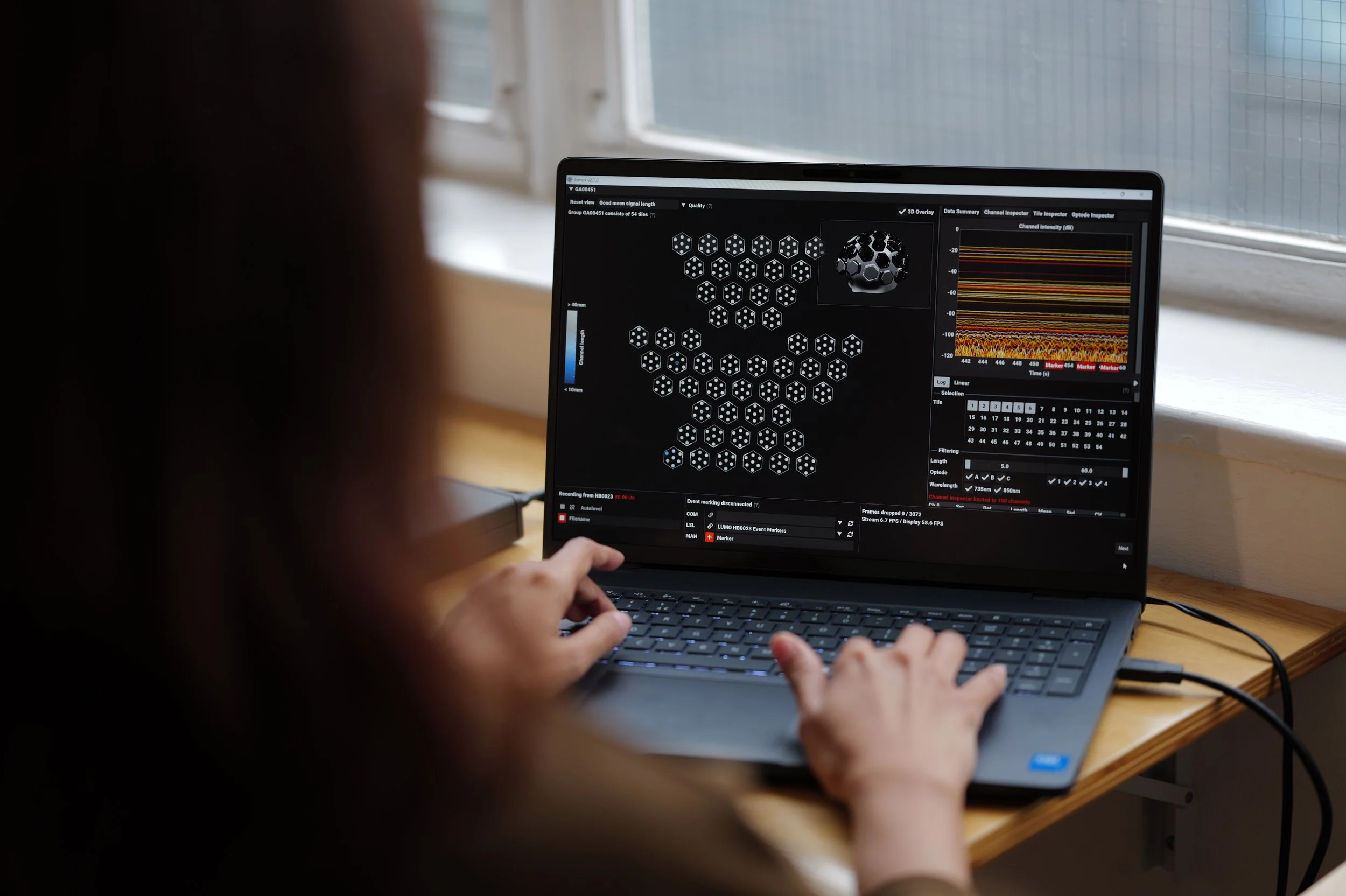
LUMO Data
Your LUMO datasets are stored locally.
Load, Inspect and Export
To seamlessly move from acquisition to analysis, we provide lumomat, a dedicated MATLAB toolbox.
Lumomat allows you to directly inspect your raw data and export it to the NIRS and SNIRF formats, which are the standard for fNIRS data analysis.
Data Analysis
Once exported, your LUMO datasets are fully compatible with the most widely used analysis tools for fNIRS and DOT, such as Homer2/3, NeuroDOT, Cedalion, and MNE-NIRS.
Use these toolboxes to
Inspect the LUMO high-density array on a head model
Visualise the raw data and associated event markers
Inspect various data quality metrics to inform channel pruning
Pre-process the data by filtering, pruning channels with poor coupling, and applying short-channel regression to remove physiological noise
Correct for motion artefacts using algorithms such as the wavelet transform
Convert the raw data to changes in concentration of oxygenated and deoxygenated haemoglobin (HbO, HbR)
Carry out image reconstruction to visualise the changes in HbO and HbR in the brain.
Community-driven support
The fNIRS field has an active support community. Comprehensive tutorials are available for each toolbox:
Homer: Webinars are available for premium subscribers (register for a 3-month free trial here)
NeuroDOT: Provides tutorial slides and exemplar pipelines
Cedalion: Provides well-documented examples
MNE-NIRS: Provides a list of all available tutorials, as well as analysis examples.
More LUMO-specific tutorials and examples are available for NeuroDOT, Cedalion and MNE-NIRS.
Dedicated research support from our experts
To support your research group’s transition to high-density DOT, we offer bespoke research support packages. These can include introductory courses, guidance on designing fNIRS experiments, and assistance with data analysis.
Research support is provided both by our staff and our consultants, who are all experts in the field and experienced users of LUMO.